🔁 The Game Loop
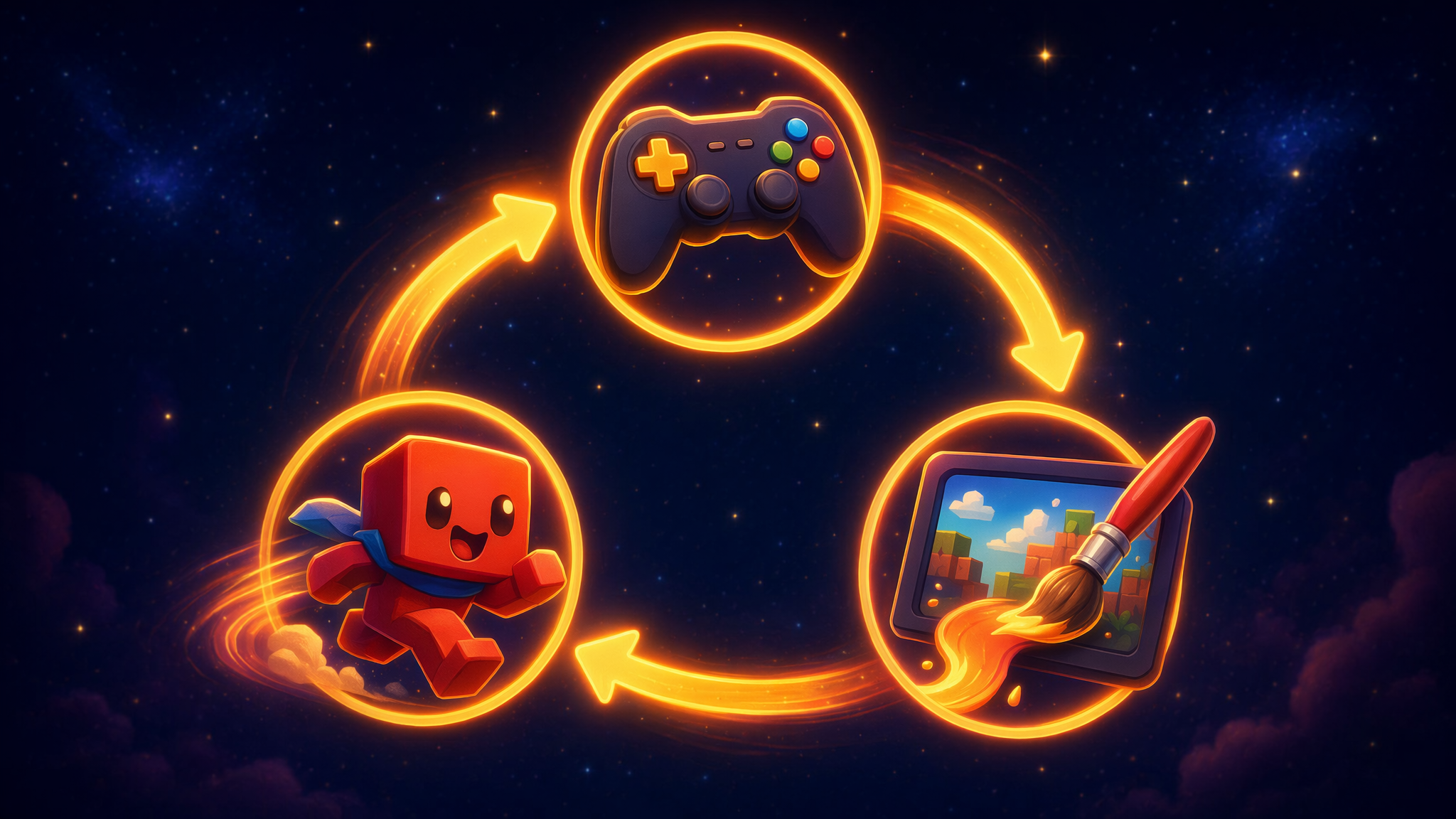
Press a key — your hero moves. Let go — it stops. Jump — it comes back down. It feels alive. 🤔 But the computer is just a machine that does what it's told… so how does it know what to do?
The answer is one of the biggest secrets behind every game ever made. Let's uncover it.
The big idea: a game is a loop
A video game is really just a list of rules the computer follows super fast — about 60 times every second. Each time around, it does the same three things:
- 👂 Listen — which keys are you pressing?
- 🏃 Move — move everyone by the rules (gravity, speed…).
- 🎨 Draw — paint the new picture on the screen.
Then it loops back to the start and does it all over again. That cycle is called the game loop. Watch it spin:
LISTEN: Which keys are pressed right now?
Donkey Kong, Minecraft, every game you've ever played runs a loop like this. 🎮
Your turn: become the rule-maker
Here's a real game loop, running live. The little red hero is you. The barrel rolls like in Donkey Kong.
On the right are the game's rules— gravity, jump power, speed. They're just numbers, and youget to change them. That's the whole secret: code is rules you can change.
Click the game, then use ← → to move and ↑ / Space to jump. Try Slo-mo or Step once to watch the loop tick.
🎛️ The Rules
These are the game's rules. Drag them and watch what happens!
How hard the ground pulls you down
How hard you push off the ground
How fast you run left and right
▸🔧 Peek inside: those sliders are “variables”
Gravity, jump, and speed are variables — think of each one as a little named boxthat holds a number. The game doesn't know “0.8”; it knows “look in the box called gravity.” When you drag a slider, you're just putting a new number in the box, and the loop reads it on the very next tick. Almost everything a game remembers — your score, your health, where you're standing — lives in a named box like this.
Discovery missions
Real scientists learn by experimenting. Try each mission in the lab above, tick it off, then peek at the secret to find out why it happened.
🌙Drag Gravity down to 0, then jump. Where do you come back down?
🪨Now crank Gravity all the way UP and try to jump.
🦘Make Gravity tiny and Jump Power huge — then sail over the barrel.
👀Jump and watch the vy number in the readout as you go up and come down.
👣Press Pause, then tap “Step once” a bunch of times. Watch loop #.
🌟 You leveled up! You now know:
- 🔁 A game is a loop: Listen → Move → Draw, over and over, ~60 times a second.
- 🎛️ Code is really just rules — and the rules are numbers you can change.
- 🌍 Gravity gets added to your speed every single tick (that's why falling gets faster).
- ❤️ The “loop #” counter is the game's heartbeat — proof the loop is running right now.
🎬 Behind the scenes — what's next?
Did you notice the x and y numbers in the lab? Those tell the game whereyour hero is. But what ARE they, really? And how does Minecraft keep track of where millions of blocks sit? That's our next adventure. 👇