🎨 Sprites & Animation
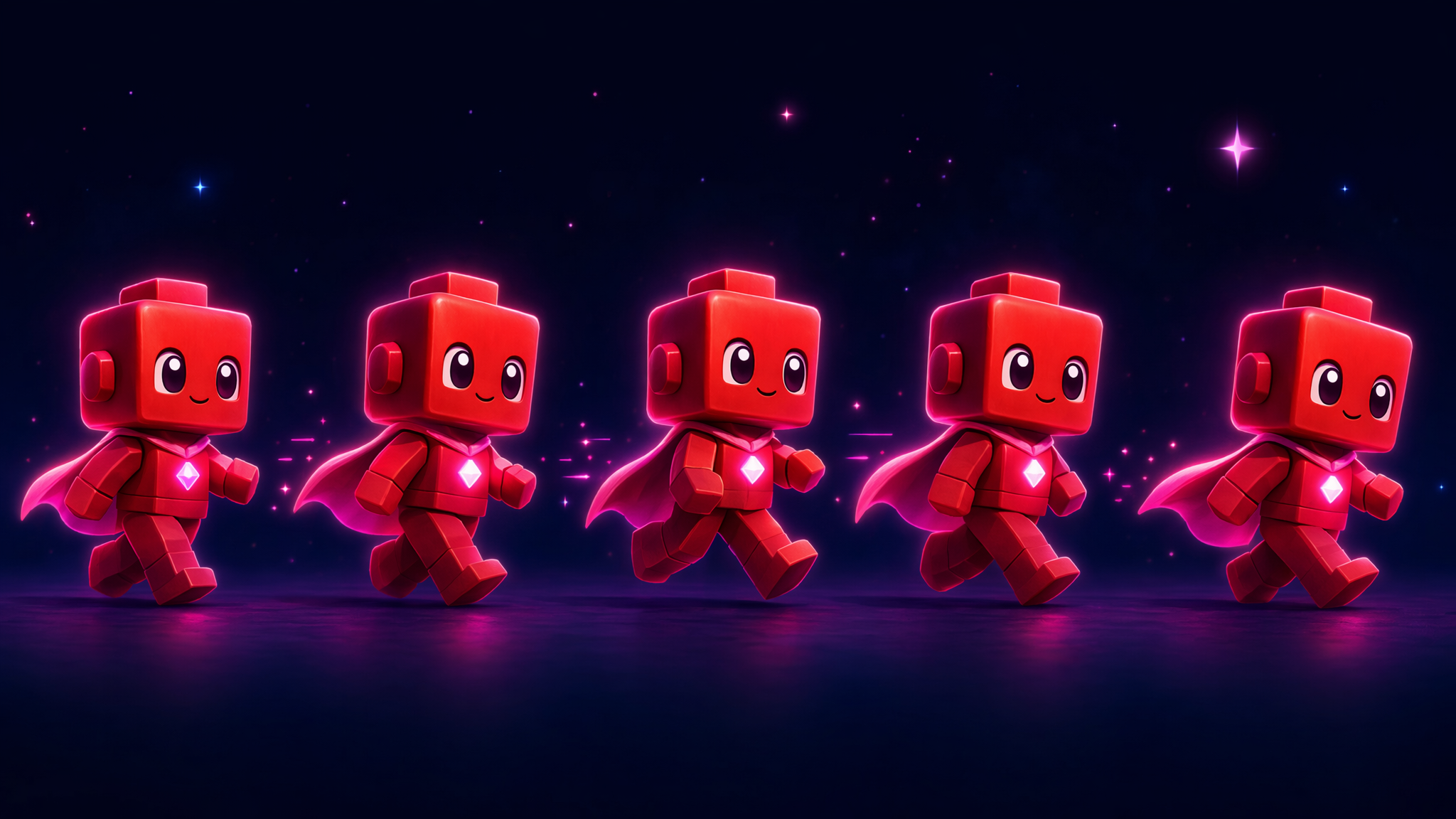
Your hero can move, jump, and land — but it's still a plain red square. 🟥 Time for the glow-up! In this chapter that square becomes a real little character that walks, faces the right way, and even has a jump pose.
And the secret to making it “come alive” is older than video games — it's a flip-book.
The big idea: a sprite is a tiny flip-book
A character in a game is just a little picture — we call it a sprite. The game draws that picture at the hero's x, y, the same coordinates you learned about earlier.
To make it move, the game keeps a few slightly-different drawings — one with the legs together, one mid-stride, and so on — and flips between them really fast. Your eyes blur them into smooth walking. That's exactly how a flip-book works, and it's how every animated character in every game is brought to life.
Your turn: bring the hero to life
Walk around and watch the legs scissor. Then play with the flip-book below the game, swap the art, and slide the animation speed — drag it to 0 to catch the trick.
Click the game, then ← → to walk and ↑ / Space to jump. Watch the legs move!
🎞️ The flip-book
standing still (one frame)These are just 4 drawings. Flip through them fast → it looks like walking.
🎨 Pick the art
Same hero, same moves — just a different picture (a different sprite).
⚡ Animation speed
Each second, the game flips through this many drawings.
▸🔧 Peek inside: drawing the hero is a “recipe”
Every chapter so far has drawn this hero — but nobody re-draws it from scratch each time. There's one recipe (programmers call it a function) named drawCharacter that knows how to paint the hero. Each chapter just says “run that recipe here.” Name something once, reuse it everywhere — that's how the same hero shows up across your whole game.
🧰 Play with it in the Toolkit →Discovery missions
Try each one, tick it off, then peek at the secret.
🐢Drag the animation speed all the way down to 0, then walk around. What does the hero look like now?
↔️Walk left, then walk right. Watch the hero's face and eyes. What flips?
🎞️Set the speed to about 3–4 and walk slowly. Can you spot each separate frame light up in the flip-book?
🎨Switch the art to Froggy, Robo, or Tiger. Do the moves or the speed change at all?
🦘Jump! The hero strikes a different pose in the air. Why would a game do that?
🌟 You leveled up! You now know:
- 🖼️ A sprite is just a picture the game draws at an x, y.
- 🎞️ Flipping between a few sprites fast = animation (a flip-book).
- ⚡ More frames per second looks smoother — but it's the same drawings.
- ↔️ “Facing left” is just the same sprite mirrored.
- 🎨 Swap the picture and you reskin the whole game — the rules don't change.
🎬 Behind the scenes — what's next?
Your hero looks alive and can collect coins — but right now you can't actually win or lose. It's a fun toy, not yet a game. Next, we add the missing piece: a goal, a score, and a way to win… or get a Game Over. 🏆👇